Workforce Management Software built for global employees.

Total workforce visibility. Manage leave, schedules, hours, and HR documents in one view.
workforce management software

Trusted by over 1,400 companies across 120 countries, in 25 languages.

Streamline your workforce management with one unified platform
absence management recording sickness
Absence management

Record & manage all of your employees’ sickness absences and leave bookings, in days or hours, in one centralised system.
Time management
Time management

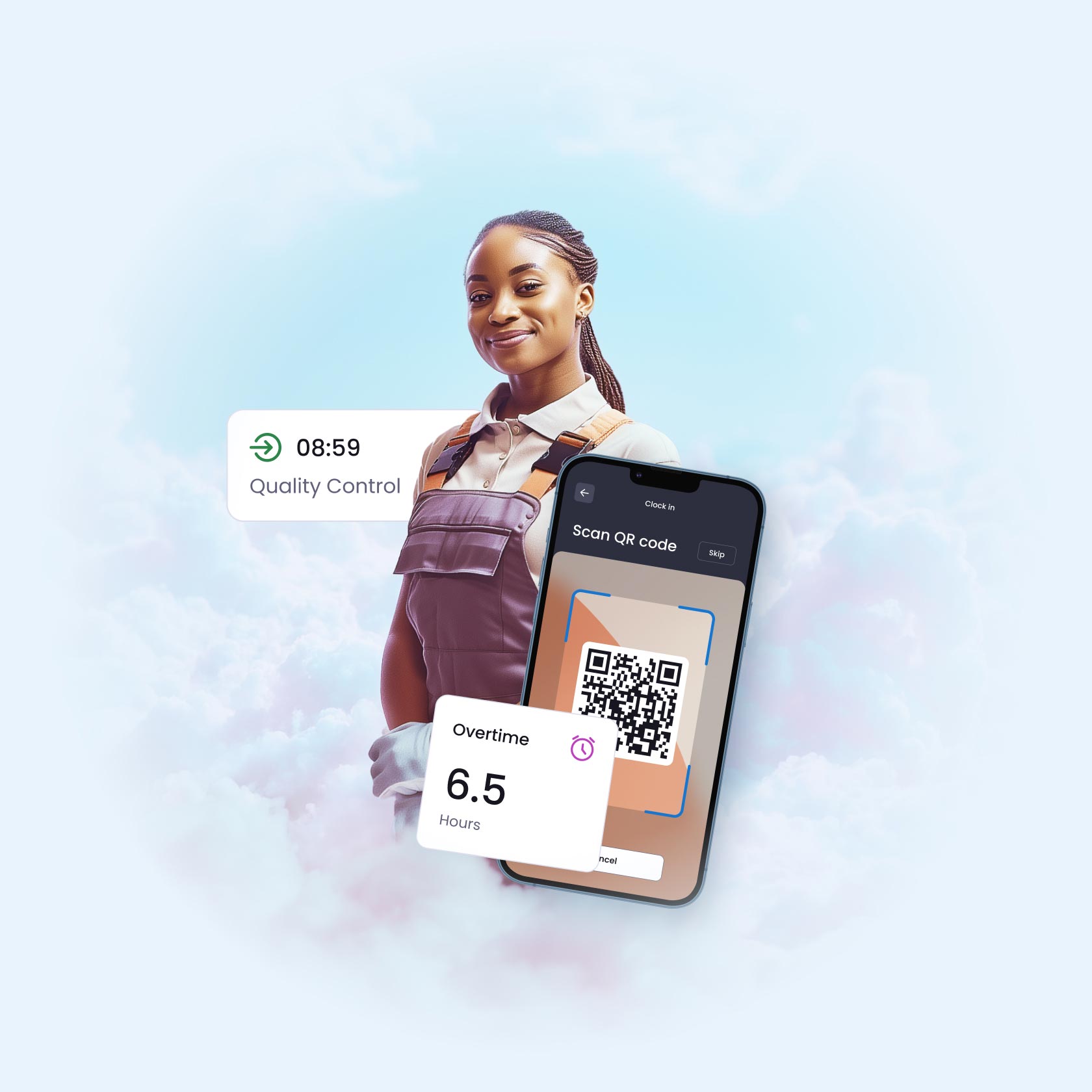
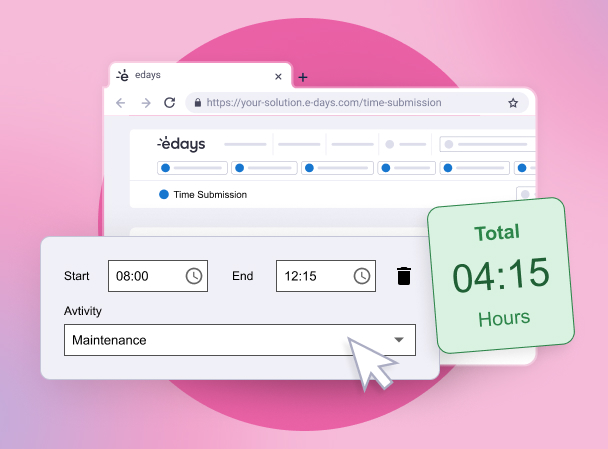
Manage employee working hours, schedules, clock in and out, and complete online timesheets with time assigned to different activities and projects.
in depth absence reporting
In-depth reporting

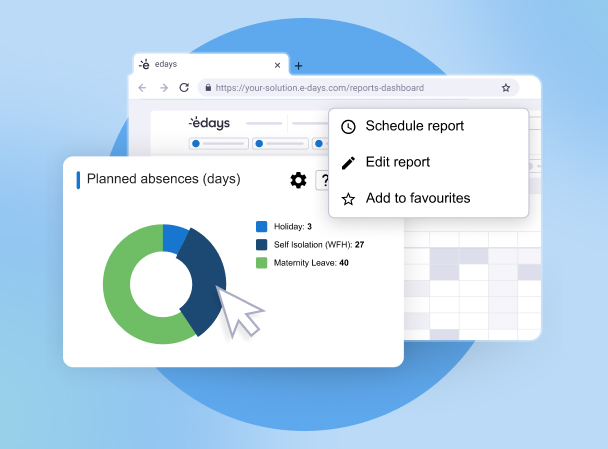
Create and schedule daily, weekly, monthly, quarterly and yearly reports on absence, leave and time on an individual, team or company-wide basis.
absence management & core hr software
Core HR & document management

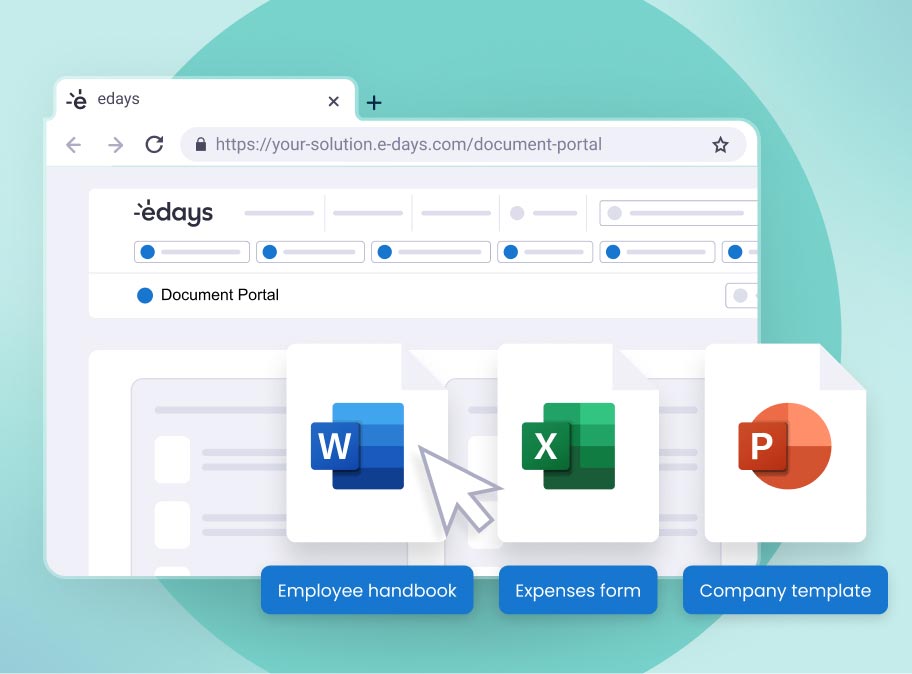
Manage all your employee documents in one secure location, with features to keep things organised, compliant, and up-to-date.

Don’t just take our word for it…

Thanks to customers reviews, we’re consistently voted as the market leader.
FEATURES

Unify your workforce no matter where they are
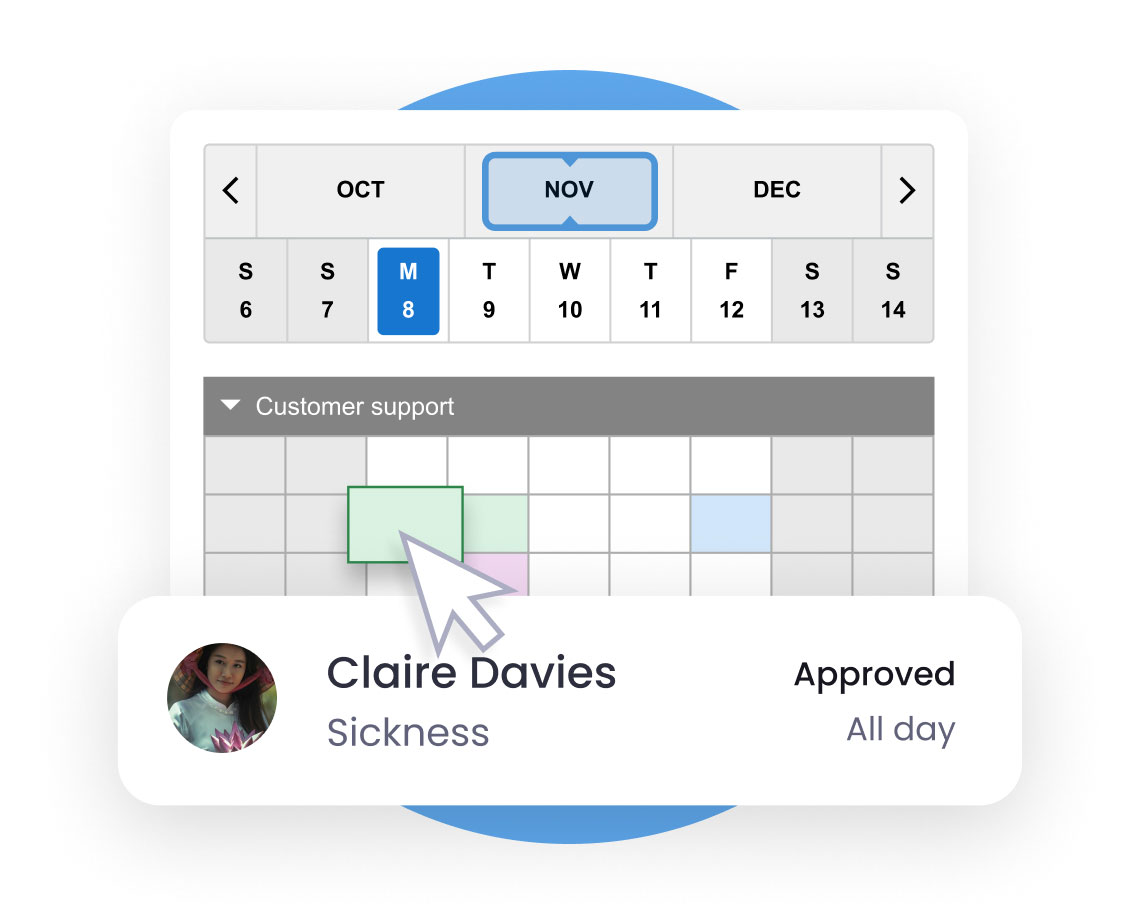
sickness calendar

One workforce system for all your organisation’s teams

One system to rule them all…

  • Manage all leave types across global locations with pre-set country templates
  • Submit timesheets, overtime, sickness and leave in one place
  • Clock in & clock out with physical devices or QR codes
  • Report on a global scale against absence and sickness trends
  • Employees and managers can manage leave, absence and time on-the-go with our mobile app
  • Manage HR tasks with document management tools and employee directories
Play
edays promotional video thumbnail. Press play to watch now

Create a seamless HR experience

The most comprehensive absence management software to complement existing HR tech…

  • Set-up plug-and-play solutions with our HRIS partners
  • Build integrations with our custom API (developed in-house)
  • Sync edays calendars with any web-based calendars such as Outlook and Gmail
  • Access edays through single sign-on (SSO)
  • Export your absence and time data to use with payroll and other HR software
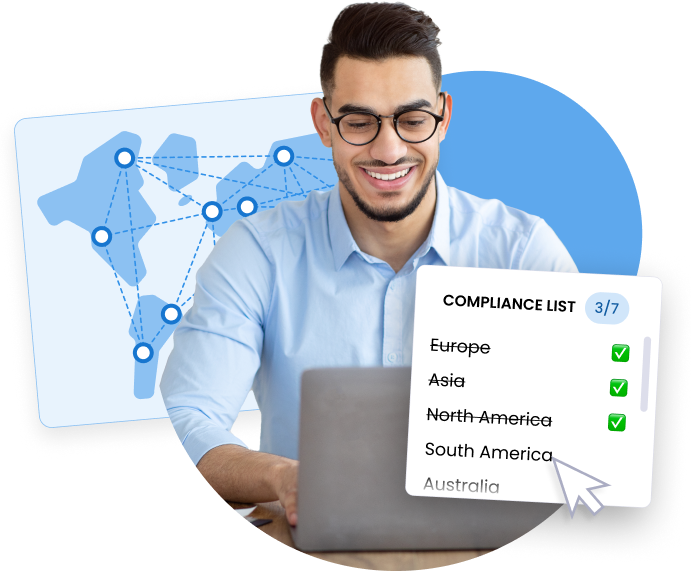
manage paid time off

Workforce management software on a global scale

Configure edays to suit your global organisation, wherever you’re located…

  • Templates for different countries and user groups, with 25+ language packs
  • Navigate varying regional and country-specific rules and regulations
  • Automatically import public holidays
  • Incorporate precise rounding rules for countries that use accruals systems
  • Report in line with the EU Working Time Directive

TESTIMONIALS

Workforce management software that meets compliance requirements & reduces costs

“edays provide a quick and reliable system. It’s not too complicated and it gives employees single sign-on access and we don’t have difficulties with the system ever being down. The back end, administrator panel, within the system is very efficient too, on top of this reporting is made very easy, especially for our two-week holiday policy.”

Rebecca Daly

HR Manager

Persona portrait 33 woman

“We really struggled with countries using the old HRIS system, we had very little flexibility and limited functionality across HCM. With the combination of Cornerstone for booking and managing learning alongside the absence tracking and reporting offered through edays, we’ve found a solution that has saved endless hours of admin and increased employee engagement globally.”

Jan Dolezel

HR Manager

Persona portrait 6 man

“We find the edays system excellent and very user-friendly. I’m the master user in the HR team and have found it to be a great system. The help desk at edays is also excellent and always reply with accurate help straight away. Whenever I meet other HR professionals I always recommend edays if they want an effective holiday tracker system.”

Ben Efford

HR Business Partner

Persona portrait 4 man

FREQUENTLY ASKED QUESTIONS

Find out more about our workforce management software

edays absence management software is different to other absence monitoring software providers because our system is purpose built to be as customisable as possible, allowing HR and people managers to use it in ways that suit their organisation’s unique requirements. Our absence system supports part-time and full-time employees, and leave and absence can be recorded in either days or hours. We can handle leave carryover, overtime tracking, clocking in and out, and we enable organisations adhere to the EU Working Time Directive, among many other features. We also cater to large and global organisations with several locations – be it in one country or multiple. edays absence management software users can be separated into groups, with different leave entitlements and rules set for each one, meaning you can manage employees in one country differently to another. This way, you can ensure you remain globally compliant according to varying regulations around the world. This flexibility and configurability makes edays absence management software the leading choice for absence, leave and time management software.

Yes. With edays absence management software you can track sickness absence – both long and short-term – as well as any other type of unplanned absence, such as lateness or emergency time off.

Our system lets people managers provide a reason for each absence occurrence, and you can create as many different types of absence as you like.

Absence triggers can be set to alert managers when certain criteria has been met, so you can intervene early before absenteeism becomes more of a significant issue.

Our absence reporting tools let you analyse all of this absence data, including the reasons, helping you to identify any patterns or trends amongst individuals, teams or locations across your organisation.

Yes, edays offer clocking in functionality. Employees can clock in and clock out of work via desktop or mobile app in just a few taps. Our refreshable, printable QR codes can be placed in different locations so that employees can ‘clock in’ to a certain area, task or activity. Visit our time tracking software page to learn more.

Yes, with edays time tracking software, employees are able to create online timesheets on a daily, weekly and monthly basis.

These can then be sent for approval to managers, who can also run reports on working hours in their teams.

Overtime can also be tracked, and mandatory breaks can be enforced.

edays timesheet software also provides the ability to assign working hours to different projects and activities, for a clear picture on how time is spent in your organisation.

edays time tracking software is a module that enables organisations to record employee working hours. The software consists of various elements – including the ability to clock in and out, either via desktop or mobile app. Refreshable, printable QR codes can also be placed in different locations and by scanning them, employees can clock in to a certain area or task.

Our time tracking software also includes the ability to create and submit online timesheets on a weekly or monthly basis. Timesheets can be submitted to line managers for approval, and reported on on a weekly or monthly basis. Projects, activities or tasks can be assigned to timesheets, so managers can see how much time has been spent on different work throughout a day, week or month.

The software also allows managers to enforce mandatory breaks, and overtime can be logged within the system too.

Find out more about our time tracking software here.

Yes. If enabled, edays automatically calculates an ongoing Bradford Factor score for every employee, and if turned on, can display live scores on individual profiles. If you do not use the Bradford Factor, this feature can be turned off at the click of a button. Try our Bradford Factor Calculator here.

Yes. edays allows you to track any type of planned (e.g. holidays, maternity leave, medical appointments, business trips, time off in lieu (TOIL), etc.) or unplanned absence (e.g. sickness, compassionate leave, unpaid leave, etc.) in a single system. You can also create custom absence types specific to your organisation, such as wellbeing leave, and define rules for how these are to be used and recorded. Learn more about our holiday booking system and sickness tracker.

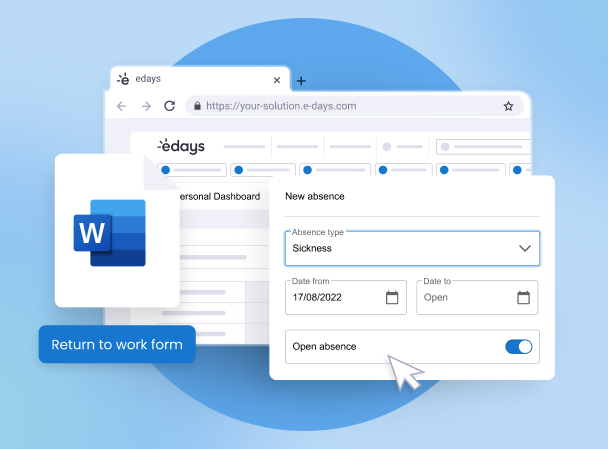
The return to work process is made faster and more efficient with edays. A reason can be logged alongside an individual’s sickness absence, and for UK employees, relevant NHS guidance can be forwarded on to them to aid in their recovery (see more on our NHS Portal here). You can automatically send a return to work form to an employee who is returning from sickness absence. This is then stored in the employee’s details in edays, alongside any doctor’s fit notes or medical certificates that may be required. Before conducting return to work interviews, managers and HR can review the employee’s records and view any previous absences to be fully equipped ahead of the individual’s return.

edays supports all custom absence types, allowing you to add as many types as you like. You also have the ability to define rules for how these are to be used and managed. For a full list of leave management features, click here.

Yes. You can configure system alerts to trigger if specific absence conditions are exceeded and automatically notify specified individuals via email immediately. Find out more about the edays sickness tracker.

Yes. As a cloud-based system, edays can be accessed 24/7 meaning employees always have access to their absence records and can check their entitlement through our annual leave tracker. And, authorised users can export specific absence data from the system at any time.

Yes. edays allows you to configure all absence types to be recorded in hours, days or half-days, with customisable settings for different working patterns (i.e. shift work, part-time employees, etc.) Find out more about our staff holiday management features.

Yes. edays has the unique ability to manage and track employee long service awards.

We have many optional features which are frequently being added to, for example: Employee Directory Document Portal Time Tracking Mobile App People Insights Workflow Builder Explore our features pages or chat to our sales team to see which may be right for you.

Yes! Our absence management mobile app lets you access edays from your phone or tablet anywhere, any time. Employees can request leave on the go with our app. Managers will receive a notification and they can log in and approve the request in just a few taps. Sickness absences can also be logged quickly, without the need to log in to your desktop.

The security of our customer’s data is our top priority. We are ISO 27001 certified and data is stored on the Microsoft Azure cloud platform. All data is encrypted at all times, both at rest and in transit using the most modern encryption standard and algorithms. For more information, click here to head over to our Security Section.

The best way to track employee absence is by ensuring that all absences are logged and recorded in a centralised system. Where possible, the reason for the absence should also be logged. With edays, you can set up absence triggers which will send you an alert when that trigger is met – for example, if an employee takes three absences during a set time period. Having this data will enable people managers to proactively reach out to an employee who has been absent more than once in a short space of time. Without automated processes like these, absence tracking can be much more challenging if done manually – for example by using spreadsheets. This approach can lead to errors, inaccuracy and a lack of overall visibility of absences occurring in a team or whole organisation.

Yes. edays allows you to track any type of planned (e.g. holidays, maternity leave, medical appointments, business trips, time off in lieu (TOIL), etc.) or unplanned absence (e.g. sickness, compassionate leave, unpaid leave, etc.) in a single system. You can also create custom absence types specific to your organisation, such as wellbeing leave, and define rules for how these are to be used and recorded. Learn more about our holiday booking system and sickness tracker.

The return to work process is made faster and more efficient with edays. A reason can be logged alongside an individual’s sickness absence, and for UK employees, relevant NHS guidance can be forwarded on to them to aid in their recovery (see more on our NHS Portal here). You can automatically send a return to work form to an employee who is returning from sickness absence. This is then stored in the employee’s details in edays, alongside any doctor’s fit notes or medical certificates that may be required. Before conducting return to work interviews, managers and HR can review the employee’s records and view any previous absences to be fully equipped ahead of the individual’s return.

Yes. You can configure system alerts to trigger if specific absence conditions are exceeded and automatically notify specified individuals via email immediately. Find out more about the edays sickness tracker.

Yes. edays allows you to configure all absence types to be recorded in hours, days or half-days, with customisable settings for different working patterns (i.e. shift work, part-time employees, etc.) Find out more about our staff holiday management features.

Absence management is the process of recording and tracking all employee absences within an organisation. Absence management includes tracking sickness absences from work – everything from who should be informed if an employee is ill, to the reason for their absence (if disclosed), how long they need to take off from work, and how all of this information is recorded. Good absence management practices mean that employees feel supported, resources can be carefully planned around absences, and any issues within teams can be addressed accordingly.