
People data that provides actionable insights
Improve the way you collect, analyse, report on, store and act upon your absence data.
FEATURES
Real analytics into employee absence, leave & time

Get clarity on key trends in your organisation
edays unlocks some of your employees’ most important data – how often are they absent and why, how do they use their leave, and what areas of the business might need support?
Here’s some of our customer’s favourite features:
- A single platform for all employee absence, leave and timesheet records
- Custom triggers and alerts on a individual, team or location basis
- Track leave usage and remaining entitlements
- Analyse duration, frequency and reasons or absences
- Monitor overtime, cap maximum working hours, and mandate break periods
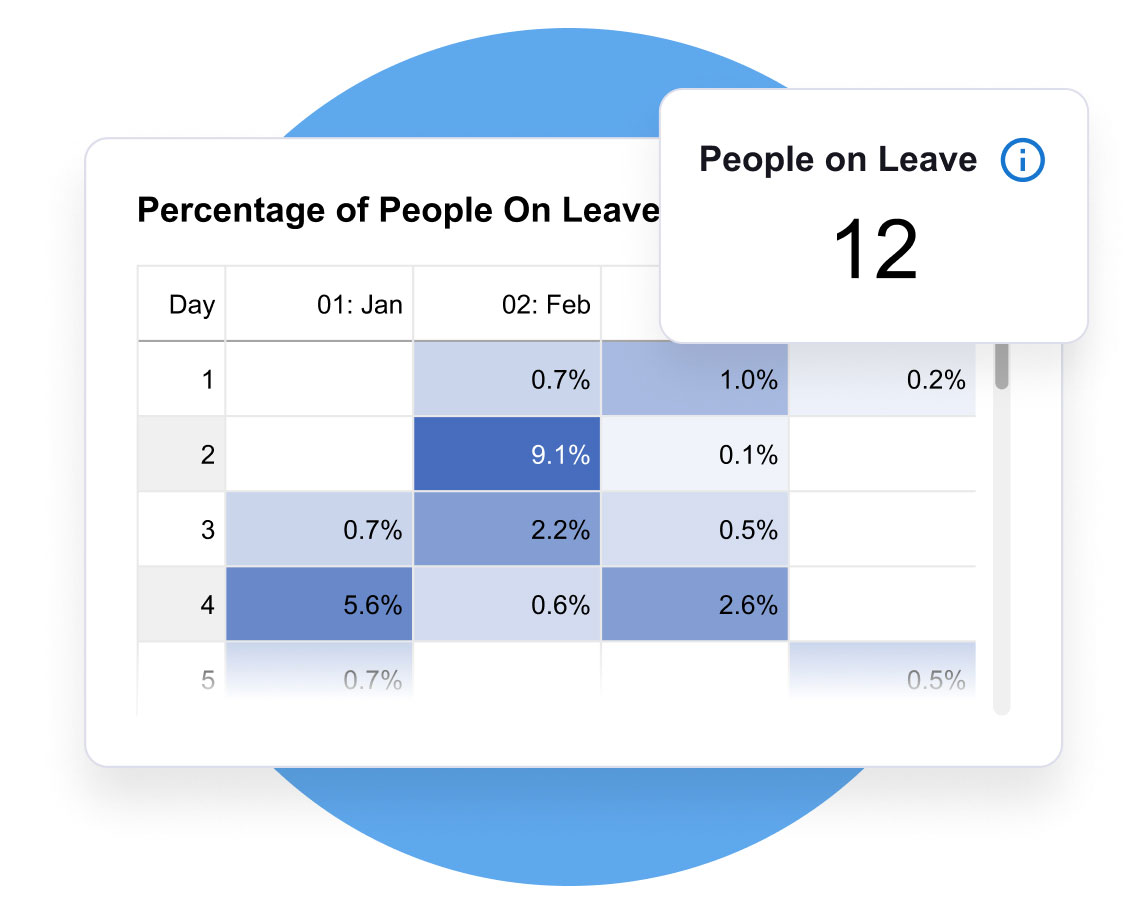
Automate reports and gain in-depth insights
Remove the need to compile manual reports, update spreadsheets and trawl through raw data. edays in-depth reporting functionality lets you analyse and present your data in customisable ways.
Here’s some of our customer’s favourite features:
- Create custom reports or use pre-built templates
- Schedule reports to run automatically
- Analyse absence, leave and time data per individual, team or location
- Customise reporting dashboards for key data at a glance
- Use People Insights to present your data in clear, digestible graphs and charts
Unlock people data that benefits your organisation and your people
Digestible data
Find the data you need, and create reports without the need for manual processes
Absence alerts
Set up alerts to stay informed about absence rate changes, and intervene early
Patterns & trends
Identify trends between employees, locations or departments, across different time periods
Employee wellbeing
Prioritise wellbeing by understanding your data, and making informed business decisions.
TESTIMONIALS
Unlocking people data for growing organisations








FREQUENTLY ASKED QUESTIONS
People data features designed to suit your needs
Our system lets people managers provide a reason for each absence occurrence, and you can create as many different types of absence as you like.
Absence triggers can be set to alert managers when certain criteria has been met, so you can intervene early before absenteeism becomes more of a significant issue.
Our absence reporting tools let you analyse all of this absence data, including the reasons, helping you to identify any patterns or trends amongst individuals, teams or locations across your organisation.
These can then be sent for approval to managers, who can also run reports on working hours in their teams.
Overtime can also be tracked, and mandatory breaks can be enforced.
edays timesheet software also provides the ability to assign working hours to different projects and activities, for a clear picture on how time is spent in your organisation.
Our time tracking software also includes the ability to create and submit online timesheets on a weekly or monthly basis. Timesheets can be submitted to line managers for approval, and reported on on a weekly or monthly basis. Projects, activities or tasks can be assigned to timesheets, so managers can see how much time has been spent on different work throughout a day, week or month.
The software also allows managers to enforce mandatory breaks, and overtime can be logged within the system too.
Find out more about our time tracking software here.
Don’t just take our word for it…
Thanks to customers reviews, we’re consistently voted as the market leader.



Related solutions
Simple solutions for complex challenges

Attendance
Know who is working, when & where with attendance tracking solutions

Global
Gain global visibility of your entire workforce with global solutions

EU Working Time
Become compliant with EU labour laws with centralised solutions

Employee Experience
Provide a better employee experience with dedicated solutions

Large & Enterprise
Dedicated solutions built for larger, multi-country organisations

Integrations
Solution to integrate with existing processes and HR systems