
Introducing Workflow Builder to automate your processes
Take your absence management to the next level with fully customisable workflows.
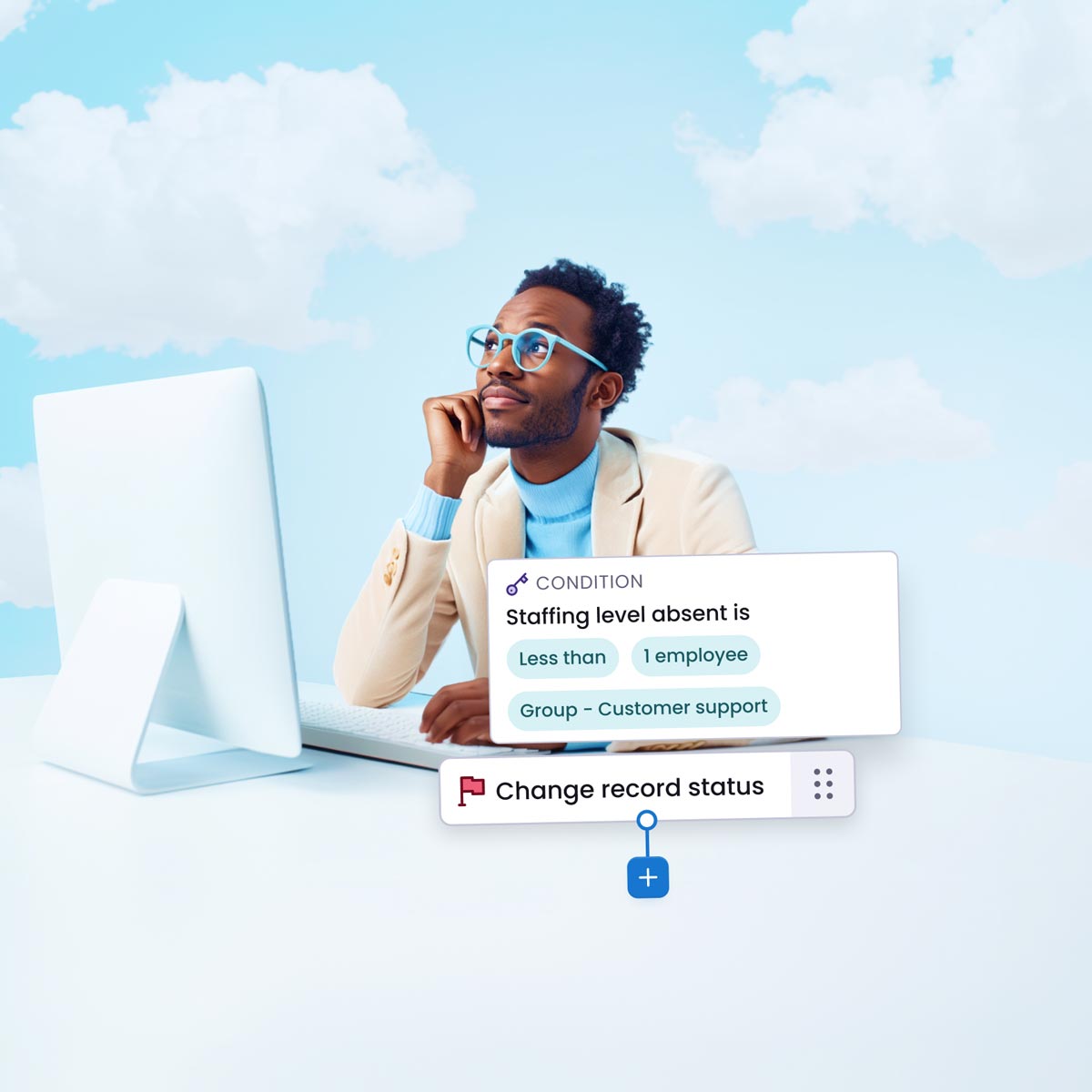
Add automation in to your HR processes with Workflow Builder
Remove manual approvals
Take away the need for people managers to review requests with auto approvals and rejections.
Set reminders and alerts
Improve the employee experience by setting up reminders for outstanding requests.
Improve processes
Transform your workflows and alleviate the burden on people managers with automation tools.

FEATURES
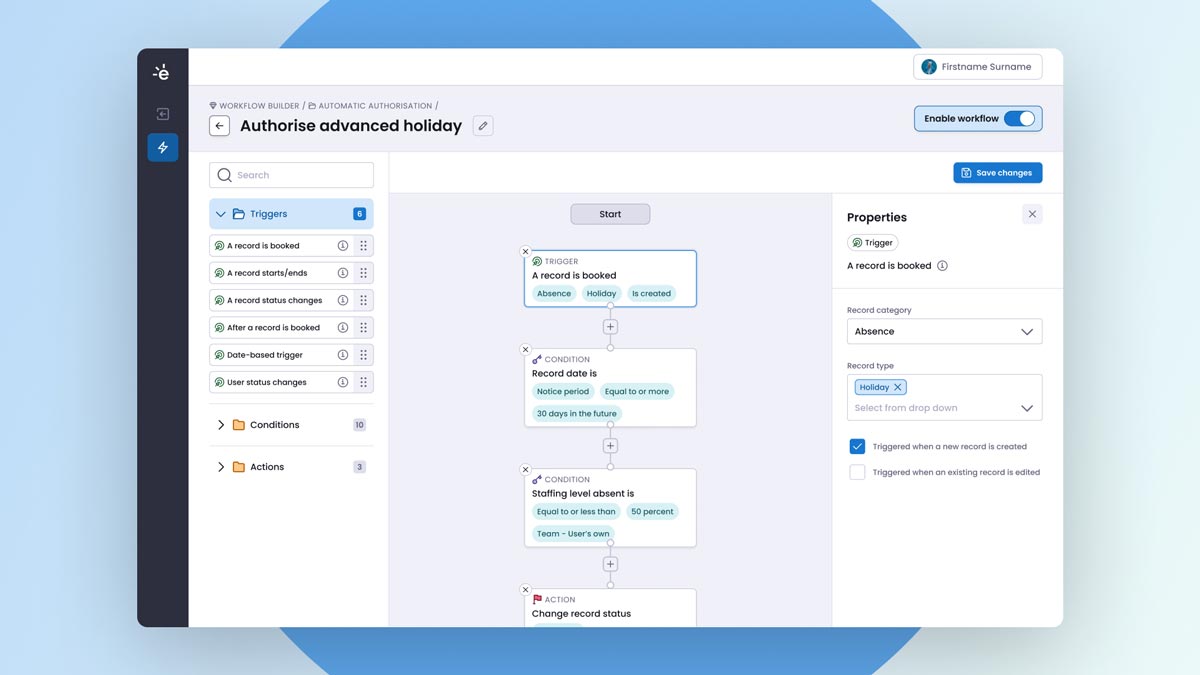
Transform the way you work with Workflow Builder
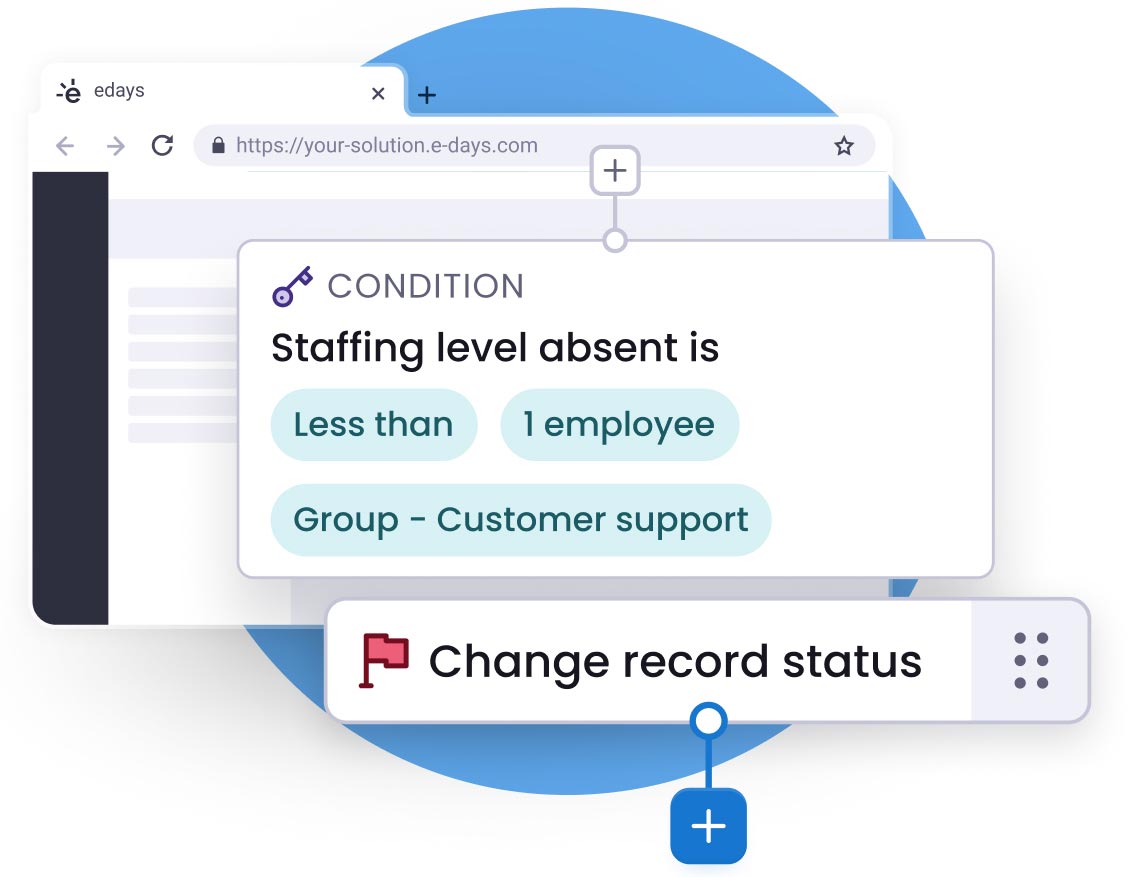
Invite automation in to your HR practices
edays Workflow Builder allows you to entirely automate your processes, and free up your HR function for other tasks and priorities. Removing the need for manual work or reminders, setting up workflows adds automation in at every step of the way. Saving time for your employees, your people managers, and especially your HR team.
Here’s some of our customer’s favourite features:
- Absence, leave and time workflows
- Custom triggers
- Custom conditions
- Custom actions
- Pre-built templates
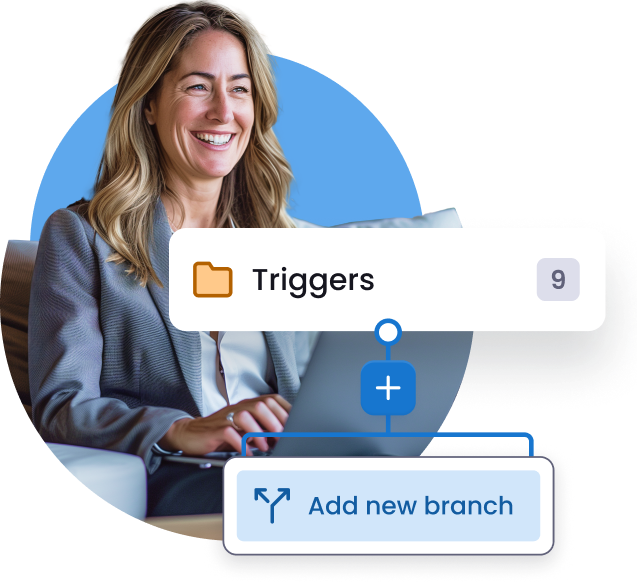
Complete customisation and flexibility
Workflow Builder is designed to be built exactly as you need it. With a library of different triggers, conditions and actions, you can create custom workflows for every area of the business. Whether that’s automatically approving leave within certain teams, or setting actions at a country template level, the possibilities really are endless.
Here’s some of our customer’s favourite workflows:
- Auto approvals of leave
- Reminders for pending requests
- Introductory welcome emails
- Reminders to complete timesheets
- Alerts to use remaining entitlements
TESTIMONIALS
An automation tool that removes the manual burden








FREQUENTLY ASKED QUESTIONS
Find out more about our Workflow Builder
Our system lets people managers provide a reason for each absence occurrence, and you can create as many different types of absence as you like.
Absence triggers can be set to alert managers when certain criteria has been met, so you can intervene early before absenteeism becomes more of a significant issue.
Our absence reporting tools let you analyse all of this absence data, including the reasons, helping you to identify any patterns or trends amongst individuals, teams or locations across your organisation.
These can then be sent for approval to managers, who can also run reports on working hours in their teams.
Overtime can also be tracked, and mandatory breaks can be enforced.
edays timesheet software also provides the ability to assign working hours to different projects and activities, for a clear picture on how time is spent in your organisation.
Our time tracking software also includes the ability to create and submit online timesheets on a weekly or monthly basis. Timesheets can be submitted to line managers for approval, and reported on on a weekly or monthly basis. Projects, activities or tasks can be assigned to timesheets, so managers can see how much time has been spent on different work throughout a day, week or month.
The software also allows managers to enforce mandatory breaks, and overtime can be logged within the system too.
Find out more about our time tracking software here.
RELATED FEATURES
Take a look at our other software features

Holiday booking
Easily manage holiday and leave with our staff holiday booking system.

Sickness tracking
Better understand unplanned absence and why it occurs.

Time tracking
Effortlessly manage working hours with time tracking software.

Absence reporting
Create the reports you need, and drill down into your attendance data.

Mobile app
Manage absence and leave anywhere, any time with our mobile app.

Overtime & TOIL
Easily log and accrue overtime and keep track of time off in lieu.