
Keep track of all your Working Locations
Easily monitor the who, when and where of hybrid and office locations.
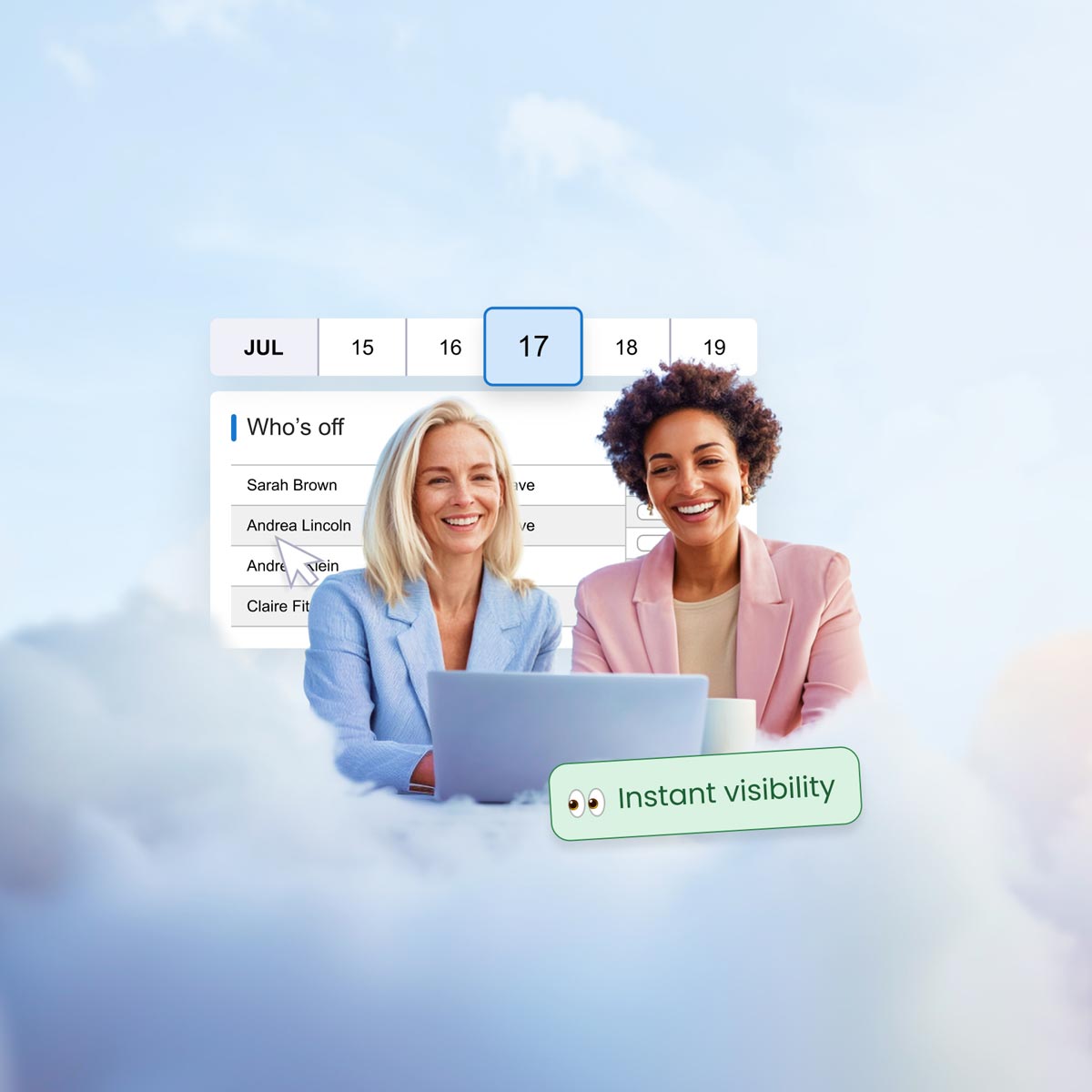
Handy management of a variety of sites and working locations
Proactive planning
Empowers individuals to plan for face-to-face collaboration with colleagues and managers in seconds within the group calendar. Sickness and leave can be booked for individuals while they are working from home without affecting their entitlement or company reports.
Optimise resources
Facilities or HR managers can use the group calendar or reports to ensure there is enough space for hot desking, organise the cleaner’s schedule, and forecast when sites will need to restock office supplies.
Keeping productive
Finding the balance between working from different sites can be a significant contributing factor to achieving success. The data in edays can empower businesses to understand how current hybrid practices are contributing to productivity and staff wellbeing.
FEATURES
Learn more about Working Locations
Organise hybrid working
Strike the right balance between employees working from home and working from the office. View everyone’s working locations on the group calendar so that in person meetings and collaborative sessions can be better coordinated.
Here’s some of our customers’ favourite features:
- Customisable working location names
- Visible on the group calendar
- Empower employees to plan out the working locations
Plan and track site visits
If you have a mix of office and non-office workers, or if your employees regularly conduct visits to client offices or other sites, you can now easily manage all of this in one place. So you know who is where and when.
Here’s some examples of things you can track in Working Locations:
- Home and office working
- Client site visits
- Working from different office locations
TESTIMONIALS
Our customers love edays features








FREQUENTLY ASKED QUESTIONS
Find out more about Working Locations
Our system lets people managers provide a reason for each absence occurrence, and you can create as many different types of absence as you like.
Absence triggers can be set to alert managers when certain criteria has been met, so you can intervene early before absenteeism becomes more of a significant issue.
Our absence reporting tools let you analyse all of this absence data, including the reasons, helping you to identify any patterns or trends amongst individuals, teams or locations across your organisation.
These can then be sent for approval to managers, who can also run reports on working hours in their teams.
Overtime can also be tracked, and mandatory breaks can be enforced.
edays timesheet software also provides the ability to assign working hours to different projects and activities, for a clear picture on how time is spent in your organisation.
Our time tracking software also includes the ability to create and submit online timesheets on a weekly or monthly basis. Timesheets can be submitted to line managers for approval, and reported on on a weekly or monthly basis. Projects, activities or tasks can be assigned to timesheets, so managers can see how much time has been spent on different work throughout a day, week or month.
The software also allows managers to enforce mandatory breaks, and overtime can be logged within the system too.
Find out more about our time tracking software here.
Learn more about edays
RELATED FEATURES
Take a look at our other software features

Holiday booking
Easily manage holiday and leave with our staff holiday booking system.

Overtime and TOIL
Make tracking, submitting and managing employee time easy.

Time tracking
Effortlessly manage working hours with time tracking software.

Sickness tracking
Better understand unplanned absence and why it occurs.

Workflow builder
Take your absence management to the next level with fully customisable workflows.

Mobile app
An app to manage leave anywhere, any time.